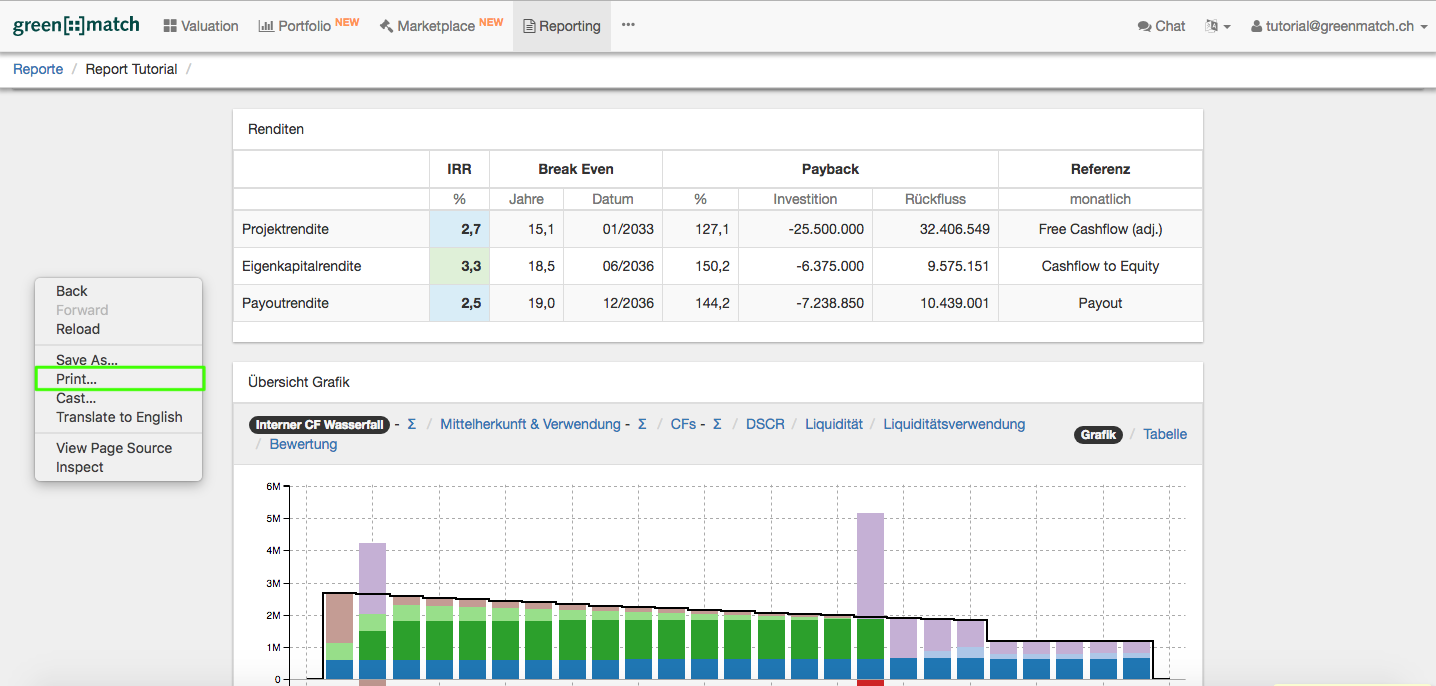
In this article you will learn how to print a report.
Would you like to learn more about how to create a custom report just click here.
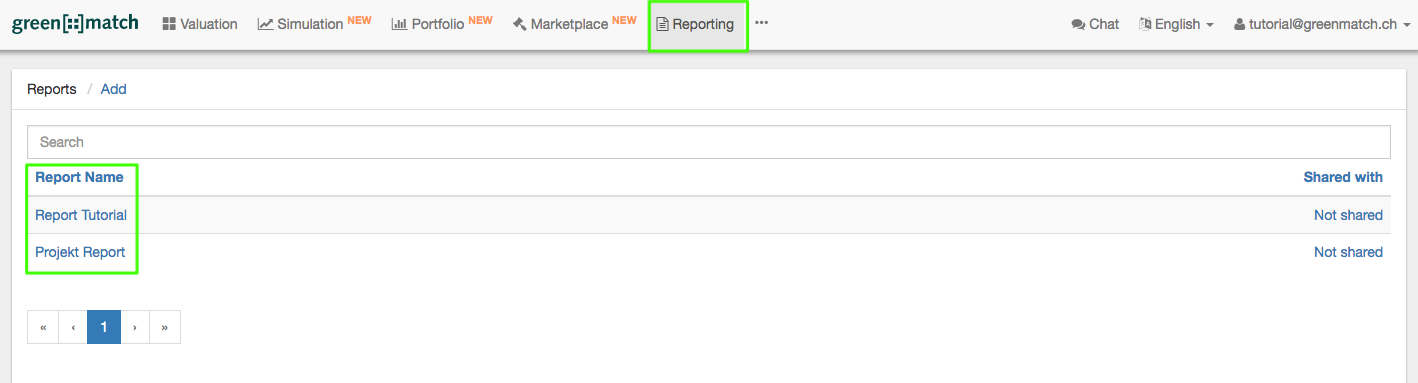
- Go to Reporting in the Top Navigation and choose the desired report.
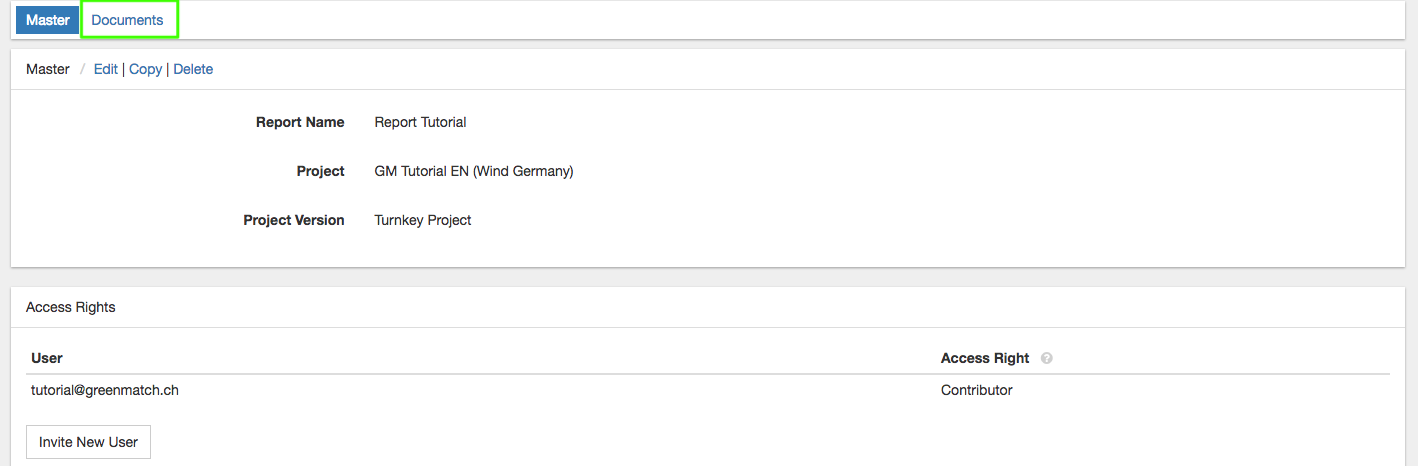
- Then click on Documents.
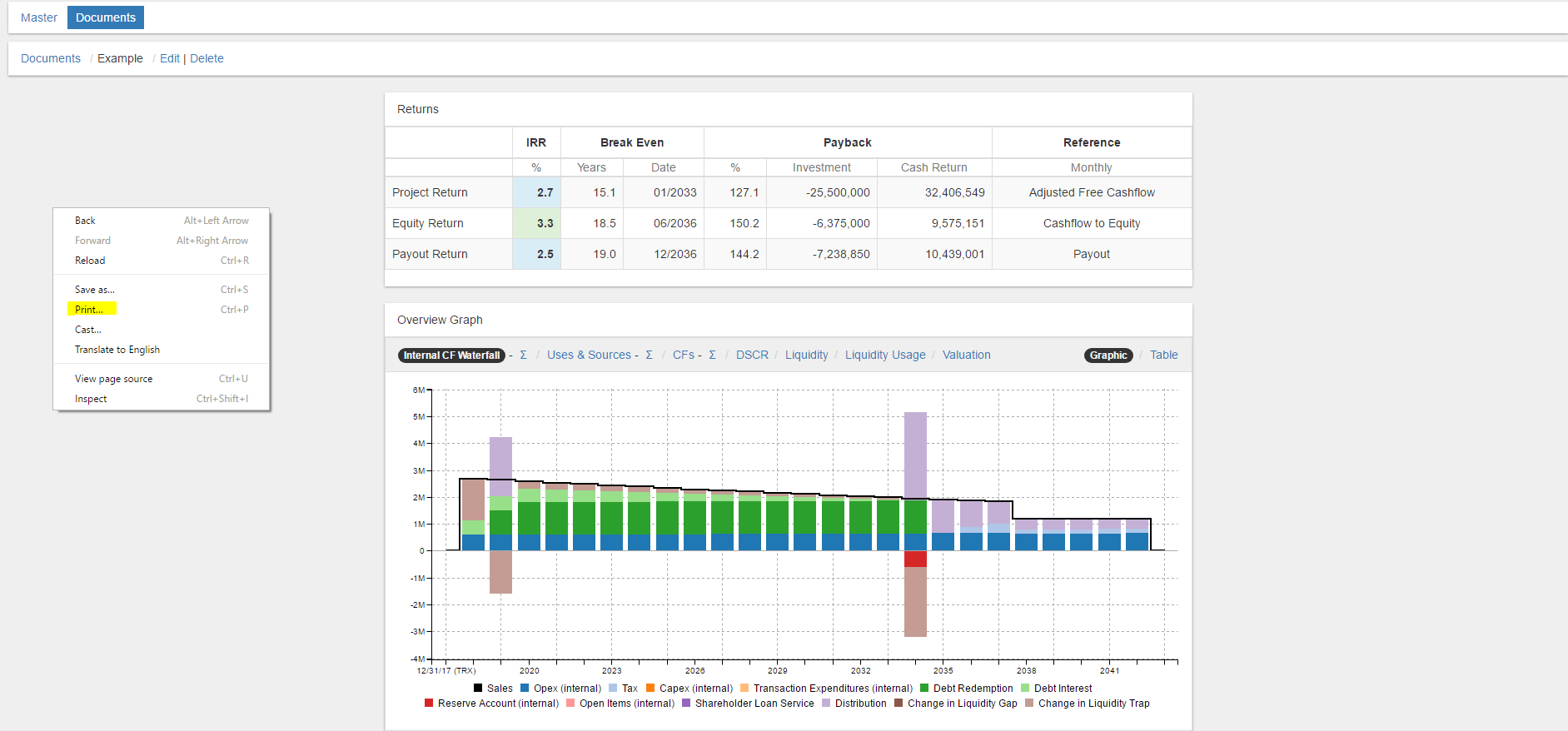
- As a third step, choose the desired document.

4. Windows
When the desired document is open, press the key combination "ctrl" + "p" to end up in the "Print" function. Alternatively, you can use the right mousekey to select the "Print" function.
- Mac
When the desired document is open, press the key combination "cmd" + "p" to end up in the "Print" function. Alternatively, you can use the right mousekey to select the "Print" function.